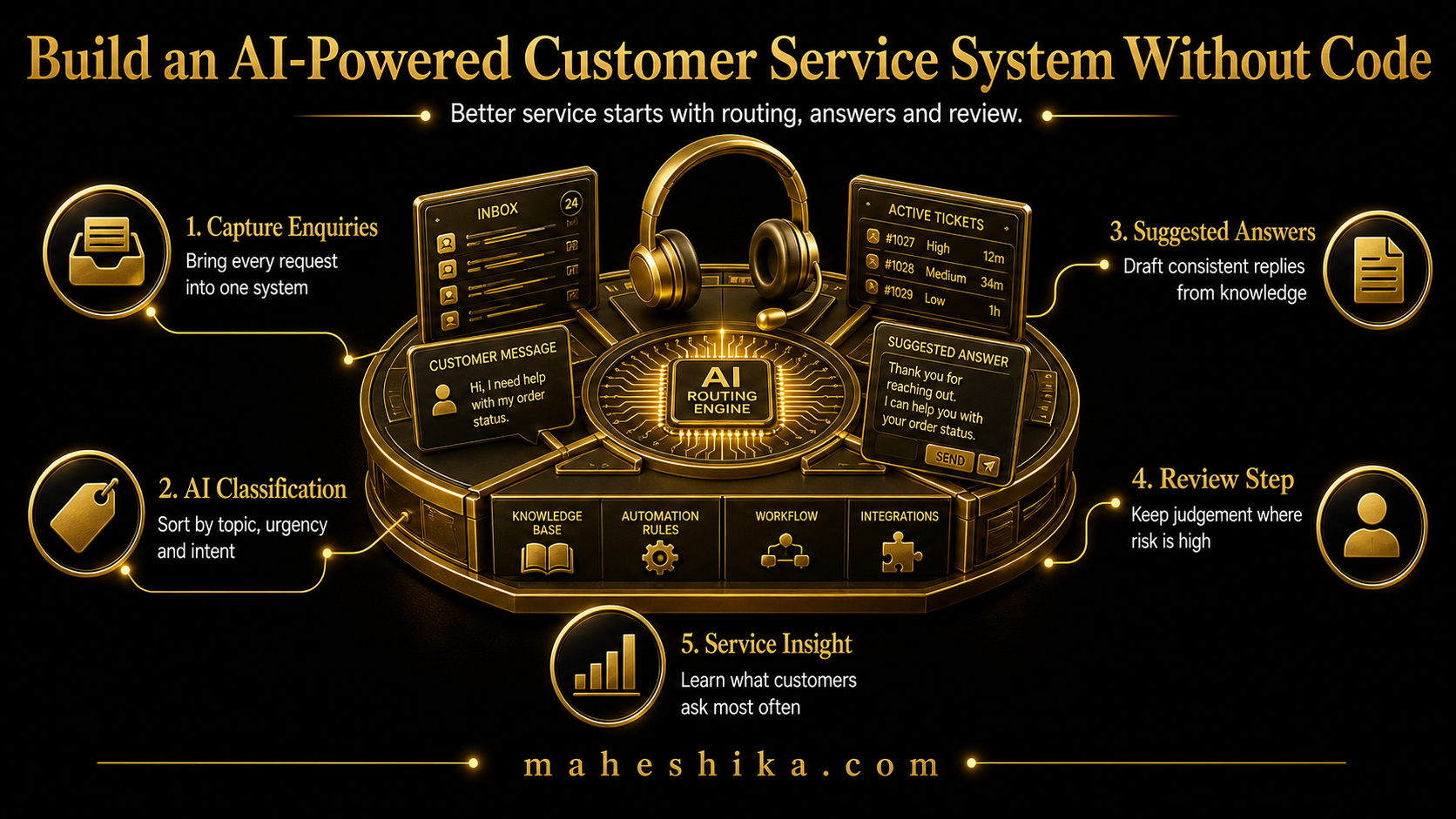
Customer service is one of the most time-intensive functions in a small business, and also one of the most amenable to AI assistance. Not because AI replaces the human moments that matter in a client relationship, but because a large proportion of customer service is answering the same questions repeatedly, in slightly different forms, across different channels, at all hours of the day. That part can be handled by AI, well, and without writing a single line of code.
Here is how to build a system that handles the routine while ensuring the important conversations always reach a human.
Start With What Your Customers Actually Ask
Before configuring any tool, spend an hour reviewing your last 100 customer enquiries, support emails, or chat conversations. You will find a pattern: typically, 60 to 70 percent of questions fall into a small number of recurring categories. Pricing and packages, turnaround times, how your service works, what you need from the client, booking or scheduling, refund and cancellation policies.
These are your AI's knowledge base. Write clear, accurate answers to each. Not template-style answers with blank fields to fill in, but real, specific answers that a customer could act on. The quality of these answers directly determines the quality of the AI's responses. No tool can compensate for vague or incomplete knowledge base content.
Choosing a No-Code Chatbot Platform
The no-code chatbot market is mature. There are several solid platforms that allow you to create, configure, and deploy an AI assistant to your website or messaging channels using a visual interface. What to look for when choosing one:
- The ability to upload or paste your own content as the knowledge base, not just create predefined conversation flows
- A human handover option: when the AI cannot answer, it should be able to connect the customer to you or create a support ticket
- Integration with your existing communication tools (email, WhatsApp, website chat widget)
- Conversation history you can review to improve the system over time
- A free tier or trial that lets you test it properly before committing
Most platforms in this category offer a working prototype within a few hours of setup. You do not need to get it perfect before going live; you need to get it good enough, then improve it based on what you observe.
Related Reading
Configuration: The Three Things That Matter
Tone and persona. Your AI assistant should sound like your business, not like a generic corporate chatbot. Write a brief description of how you want it to communicate: the level of formality, the warmth, the vocabulary it should and should not use. Many platforms allow you to set this as a system instruction. Test it by asking the kinds of questions your customers actually ask, and edit the tone until it sounds right.
Boundary setting. Your AI should be clear about what it can and cannot help with. It is better for an AI to say "I am not the right resource for that, let me connect you with the team" than to attempt an answer it is not equipped to give. Configure explicit boundaries: topics it should always escalate to a human, situations where it should collect contact information and promise a follow-up rather than attempting a resolution.
Escalation paths. Define clearly what happens when the AI reaches its limit. Does it create an email to you? Does it offer a link to book a call? Does it pass the conversation to a live chat tool? The escalation path is the most important part of the system, because it is what determines whether a customer who needs human help actually gets it. A chatbot with no clear escalation path creates frustration; one with a well-designed escalation creates a positive experience even when the AI cannot help.
Free
Start free: what might your organisation not be seeing?
The Business X-Ray is an outside-in look at your business: what is visible, what may be happening underneath, and what cannot be known from the outside at all. Reviewed personally before it goes out.
Get the free Business X-RayGoing Live and Improving Over Time
When you first deploy, monitor conversations daily for the first two weeks. You are looking for: questions the AI answers incorrectly, questions it cannot answer but should be able to, situations where the tone is wrong, and patterns in what customers are asking that you had not anticipated.
For every gap you identify, add the content to the knowledge base. This iterative improvement is how a basic AI assistant becomes a genuinely useful one. The systems that work well after six months are not the ones that were perfectly configured at launch. They are the ones that were improved consistently based on real conversation data.
After the first month, review the metrics: what percentage of conversations were resolved without escalation, what were the most common topics, and where did escalation happen most often. Use that data to make the next round of improvements. Within three months, a well-maintained AI customer service system typically handles the majority of routine enquiries without human intervention, freeing your time for the clients and conversations that genuinely need you.
The One Thing an AI Can Never Answer For You
So that is the build: study the real questions, choose a platform that lets you own the knowledge base, configure tone and boundaries and escalation with real care, then improve it weekly against what actually happens. Get that sequence right and within three months the AI is carrying the routine, freely and competently, without a single line of code written.
Here is the part worth sitting with. Once your AI is answering in a calm, competent, on-brand voice, so is every other small business's AI. The chatbot stops being a point of difference the moment everyone has one. A customer comparing you to a competitor cannot tell your assistant's answer from theirs, because increasingly, they sound the same. What the automation cannot do, and was never going to do, is tell that customer why you are the one to trust with the work behind the answer.
That is the piece that quietly goes missing if you stop at the chatbot. The trust, the track record, the judgement that took you years to build, has nowhere to live once the routine conversation is automated away. A personal website under your own name closes that gap: your thinking, your results, your story, owned outright, findable in a search, impossible for any AI to reduce to a generic reply. It is what still says "this is me" once the answering itself is automatic.
You have already proven you can build the technical layer without writing code. The authority layer is the same kind of project, just aimed at you instead of your inbox. If you want it built properly, by someone who has done exactly this, let us talk.
This article is part of the AI for Small Business: The Complete Guide. See the automation guide in the series for broader workflow automation that extends beyond customer service.