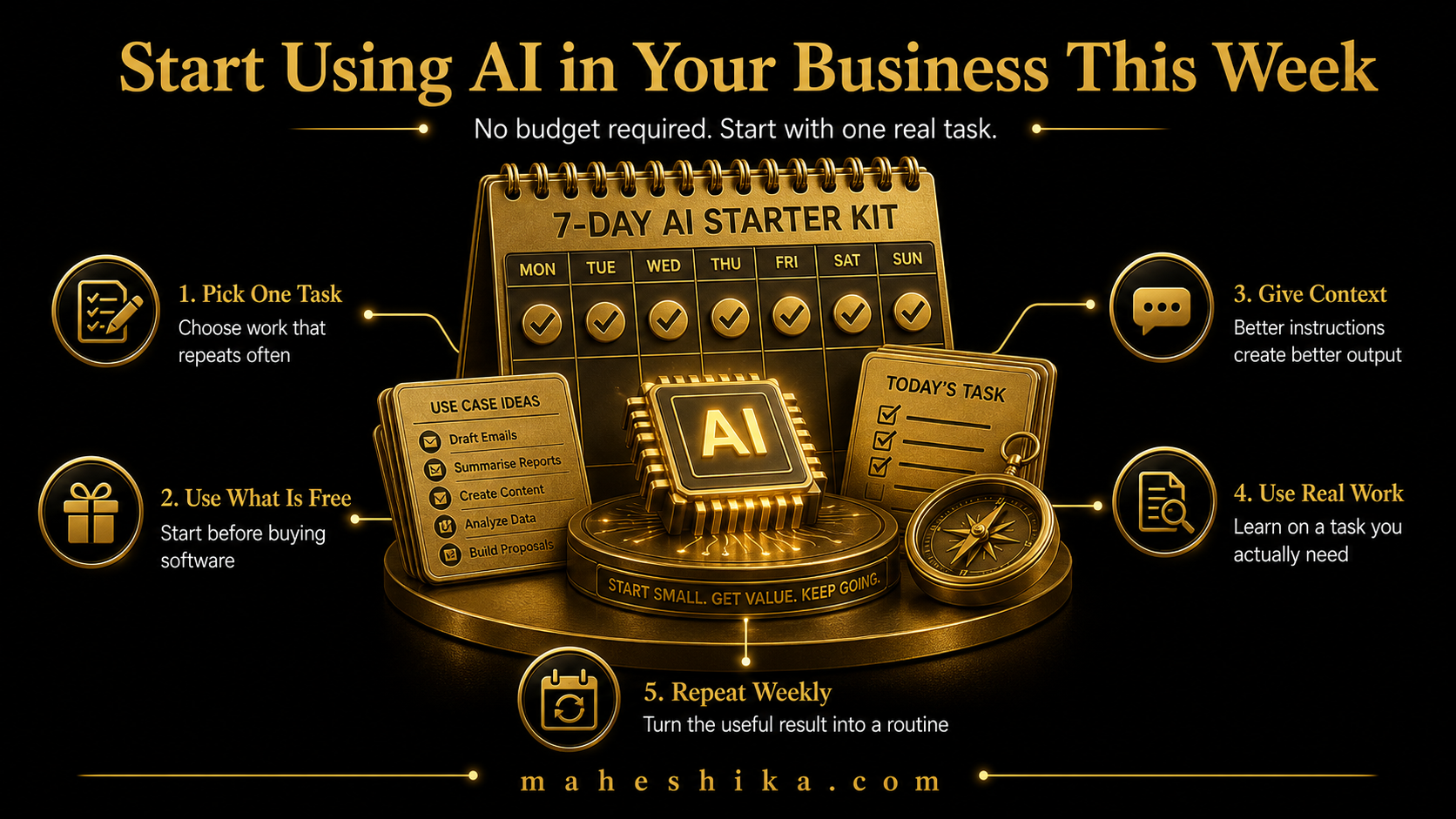
There is no good reason to spend money on AI tools before you have established what works for your business. The free tiers available in 2026 are genuinely capable, not crippled trial versions designed to push you towards a subscription. If you cannot get value from the free tier of an AI tool, you should question whether you have the right use case, not whether you need to upgrade.
This article is for business owners who want to start this week. Not next quarter after research and a procurement process. This week. Here is how.
Day One: One Task, One Tool, 45 Minutes
Pick the single writing task in your business that you find most tedious or that takes the most time relative to its complexity. This is your starting point. Not your most important task, not the most complex problem you face. The most tedious routine writing task.
Open a free-tier AI writing assistant. In the text box, write this: "I run a [describe your business in one sentence]. I need to [describe exactly what you want produced]. My audience is [describe who will read this]. The tone should be [describe how you want it to sound]. Here is the key information to include: [list the points you want covered]."
Read what it produces. It will not be perfect. Edit it into something you would actually send or publish. Note how long the whole process took compared to writing from scratch. That difference is your first data point.
Day Two: Check Your Existing Software
Before looking for new tools, look at what you already have. Spend 30 minutes going through the settings of the three software tools you use most frequently. Email clients, CRM platforms, project management tools, and accounting software have all added AI features in the past two years, many of them available on existing subscriptions.
Look specifically for: AI drafting or smart reply in your email client, AI note-taking or summary features in your meeting software, AI categorisation or forecasting in your CRM or accounting tool, and AI content suggestions in any scheduling or marketing platform you use. Activate what you find and test it on a real task. This is free capability you may already be paying for but not using.
Related Reading
Day Three: Set Up One Simple Automation
No-code automation tools have free tiers that cover a useful number of automated actions per month. A single account is enough to build your first automation without spending anything.
The easiest first automation for most businesses is this: when someone submits a contact form on your website, send them an automatic acknowledgement email. This is basic, but it is also the kind of immediate response that makes a difference to how prospects perceive your professionalism. Set it up by connecting your form tool to your email tool with a simple trigger-action workflow. Follow the platform's instructions; this is a very common workflow and they will have a template.
Once that is working, think of the next most repetitive information-transfer task in your business and build a second automation for it. By the end of day three, you have two automated processes running in your business.
Free
Start free: what might your organisation not be seeing?
The Business X-Ray is an outside-in look at your business: what is visible, what may be happening underneath, and what cannot be known from the outside at all. Reviewed personally before it goes out.
Get the free Business X-RayDays Four and Five: Build the Habit
The difference between business owners who genuinely transform their operations with AI and those who try it once and abandon it is habit formation. Using AI needs to become as automatic as checking your email, not something you remember to try when you have spare time.
Identify the one recurring task you committed to using AI for on day one. Build it into your calendar as a fixed process. If it is the weekly newsletter, block the time for AI-assisted writing every week. If it is responding to a type of client enquiry, create a prompt template you save and reuse. Make the AI process the default, not the exception.
By the end of the first week, you should have: used AI to produce at least one piece of real content, activated at least one AI feature in your existing software, set up at least one automated workflow, and used AI assistance at least twice for a recurring task. That is a genuine start, built entirely on free tools, in one week.
The Free Tools Aren't What Sets You Apart
So the answer to starting with no budget is straightforward: you already have everything you need. One task, one free tool, forty five minutes on day one. Check what your existing software already does. Automate a single repetitive step. Build the habit before you spend a pound. The barrier was never money. It was starting.
But a week like this reveals something else, if you are paying attention. Every business owner reading this article has access to the exact same free tools you do. The AI assistant that drafted your newsletter this week will draft a nearly identical one for your competitor tomorrow. When the tools are free and the outputs sound the same, the tools stop being the advantage. They become the baseline everyone stands on.
What does not commoditise is you: your name, your specific experience, the particular way you solve the problem your clients actually have. But that only holds weight if it lives somewhere real, somewhere that is yours outright, not buried in a feed an algorithm decides who sees, not a profile you are one policy change away from losing. A personal website under your own name, where your thinking and your work are visible to anyone who searches for you, findable, unmistakable, permanent. That is the one asset a free AI tool cannot build for you, and the one that keeps compounding while everyone else automates their way to sounding the same.
You have already proven the value this week, for free. Building the space that carries your name and your work is the next move, and you do not have to work it out alone. Let us talk.
This article is part of the AI for Small Business: The Complete Guide. For a broader view of the tools worth knowing about, see the tools article in the series.