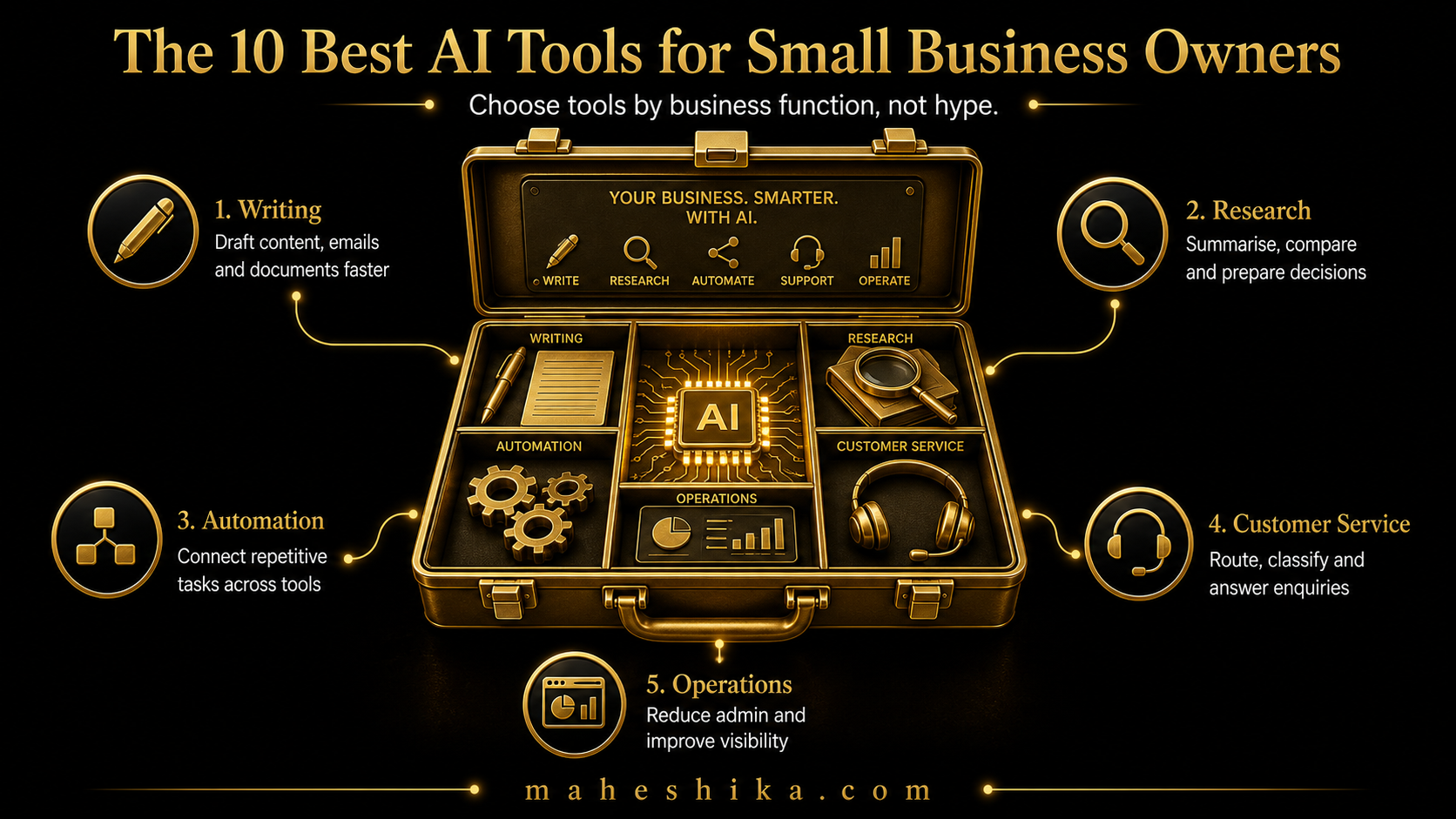
The problem is not a shortage of AI tools. The problem is that there are several hundred of them, the marketing claims all sound identical, and it is genuinely difficult to know which ones are worth your time before you have spent a week trying them. I am going to cut through that by focusing on tool categories rather than specific products, because the category tells you what a tool is actually for, and knowing what you need is more valuable than a brand name recommendation that may be outdated by next quarter.
These are the ten categories that matter most for small business owners in 2026, what each does, and what to look for when choosing within the category.
1. General-Purpose AI Writing Assistants
This category is the foundation. A general-purpose AI assistant can draft, edit, summarise, research, answer questions, and generate ideas across almost any domain. For a small business owner, this is your highest-leverage tool because it applies to the widest range of tasks.
What to look for: a long context window (so you can paste in documents and have the AI work with them), strong instruction-following, and a free tier that is genuinely usable rather than artificially limited. Test it by giving it a complex, specific task that requires judgement, not just a simple "write me something" request. The quality difference between the leading tools and the mediocre ones becomes obvious immediately when you test with real work.
2. AI Content and Copywriting Tools
These are writing assistants with specific optimisation for marketing copy: emails, social posts, ad copy, website text, and blog content. The best ones understand the difference between a product description and a conversion-focused call to action, and can adapt tone for different audiences and platforms.
What to look for: brand voice training (the ability to upload examples of your writing so outputs match your style), multi-format output, and a workflow that allows editing rather than just regenerating. Avoid tools that produce text which sounds AI-generated. If you would not be comfortable putting your name on the output after minor editing, the tool is not good enough.
3. AI Customer Service Chatbots
A well-configured chatbot handles routine customer questions, qualifies enquiries, collects contact information, and escalates to a human when needed. For a small business where you cannot be available around the clock, this is one of the most practically valuable tools available.
What to look for: the ability to train the bot on your own content (your FAQs, service descriptions, pricing), a clean handover mechanism to a human agent, and integration with your existing communication tools. The quality of the responses depends almost entirely on the quality of the content you train it on, so invest time in writing clear, accurate information before you configure the bot.
Related Reading
4. AI-Powered Meeting and Note-Taking Tools
These tools join your video calls, transcribe them in real time, identify action items, and produce a structured summary. If you spend significant time in client calls or team meetings, the time saved in post-meeting administration is substantial.
What to look for: accuracy on accents and industry-specific vocabulary, a clear action item extraction feature, and easy sharing of summaries. Check the data privacy terms carefully, particularly if you are having confidential client conversations.
5. AI Automation and Workflow Platforms
These are no-code tools that connect your existing software and automate sequences of actions. A new lead comes in via your website form, the tool automatically adds them to your CRM, sends a welcome email, and creates a task for follow-up. No code, no developer, and it runs every time without you doing anything.
What to look for: a wide range of integrations with the software you already use, a visual workflow builder you can understand without training, and reliability. The best platforms in this category have thousands of pre-built templates for common workflows, so you are not building from scratch.
Free
Start free: what might your organisation not be seeing?
The Business X-Ray is an outside-in look at your business: what is visible, what may be happening underneath, and what cannot be known from the outside at all. Reviewed personally before it goes out.
Get the free Business X-Ray6. AI Email Management Tools
Email is where small business owners consistently report losing the most time. AI email tools can prioritise your inbox, draft responses, summarise long threads, and unsubscribe from unwanted lists automatically.
What to look for: tight integration with your existing email provider, a drafting assistant that learns your tone over time, and clear controls over what the AI can do autonomously versus what it should surface for your review. Never give any tool permission to send emails on your behalf without a confirmation step.
7. AI-Powered Proposal and Document Tools
These tools help you create professional proposals, contracts, and client documents significantly faster. The best ones combine AI writing assistance with professional templates and, increasingly, e-signature functionality.
What to look for: the ability to create reusable templates customised to your business, AI assistance that drafts based on a brief rather than just filling in blanks, and clean output formatting that you would not be embarrassed to send to a senior client. Documents are a direct signal of your professionalism; quality matters here.
8. AI Social Media and Scheduling Tools
These tools generate content ideas, draft posts for multiple platforms in the appropriate format and tone for each, and schedule them in advance. They can also repurpose a single piece of content, such as a blog post, into social posts, an email newsletter, and short video scripts.
9. AI Analytics and Business Intelligence Tools
These tools allow you to ask plain-English questions about your business data and receive answers without needing to write queries or build dashboards yourself. "Which products had the highest margin last quarter?" answered in seconds without a spreadsheet.
What to look for: integration with your existing data sources, natural language querying that actually understands business context, and output formats you can share with a team or include in a client report. Start simple: connect one data source and ask three questions you have always wanted a quick answer to.
10. AI Research and Competitive Intelligence Tools
These tools monitor your market, track competitors, surface relevant news and research, and summarise what is happening in your sector so you are always informed without spending hours reading.
What to look for: the ability to define specific topics, competitors, or keywords to monitor, a digest format that surfaces what is actually relevant rather than everything, and source transparency. Know where the information is coming from before you act on it.
The Tool That Never Makes the List
So do not choose all ten at once. Look at your business, pick the one or two categories that would have the highest immediate impact, and build the habit of using them well for 30 days before you add another. Every category here has a genuine free tier, so test before you spend. The businesses with the most effective AI implementations are not the ones running the most tools. They are the ones running a small number of tools extremely well.
But here is what none of these ten categories solve, and it is worth sitting with. Your competitors have access to the exact same writing assistant, the exact same chatbot, the exact same automation platform. When everyone is using the same tools to produce the same polished, competent output, the tools stop being an advantage and start being table stakes. What used to set a business apart, the founder's judgement, the years of hard-earned expertise, the specific way you think about a problem, is precisely what a generic AI tool cannot show anyone. It only shows what you tell it to.
That is the quiet cost of relying on tools alone: you get efficient, and you stay invisible. The one asset that AI cannot replicate is a personal website under your own name, where your thinking lives, your work is shown, and your expertise is unmistakably yours. Owned outright, findable in a search, impossible to mistake for a competitor running the same ten tools you are.
You do not have to figure out which of your two decades of expertise belongs on that site by yourself, and you do not have to wait until it feels ready. If you want it built properly, let us talk.
This article is part of the AI for Small Business: The Complete Guide. The full guide covers everything from implementation to strategy to team training.